
A useful RF report explains what was modeled, what the result means, and where professional judgment is still required. SiteRF’s report workspace assembles project data and computed figures, but the author remains responsible for the recommendations.
Configure the document
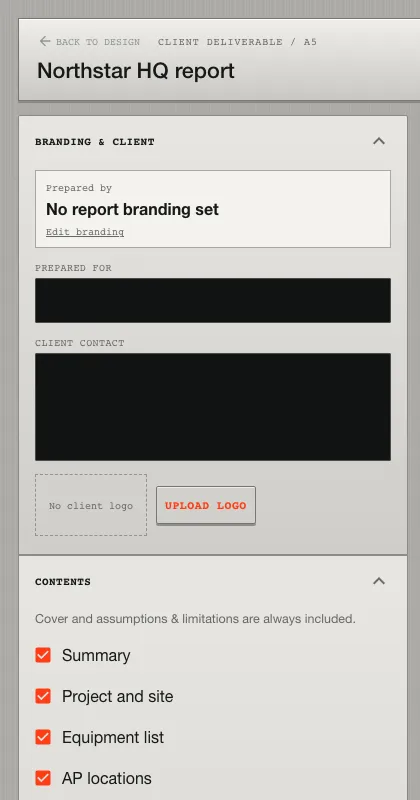
Set the report title, client context, prepared-for details, units, and organization branding. Choose the sections that belong in the handoff:
- summary and project context;
- equipment and placement locations;
- coverage maps by band and metric;
- findings and editable recommendations;
- assumptions and technical appendix.
Select only scenarios that were calculated successfully. If a requested band cannot be simulated, the report records the reason rather than silently omitting it.
Review coverage figures
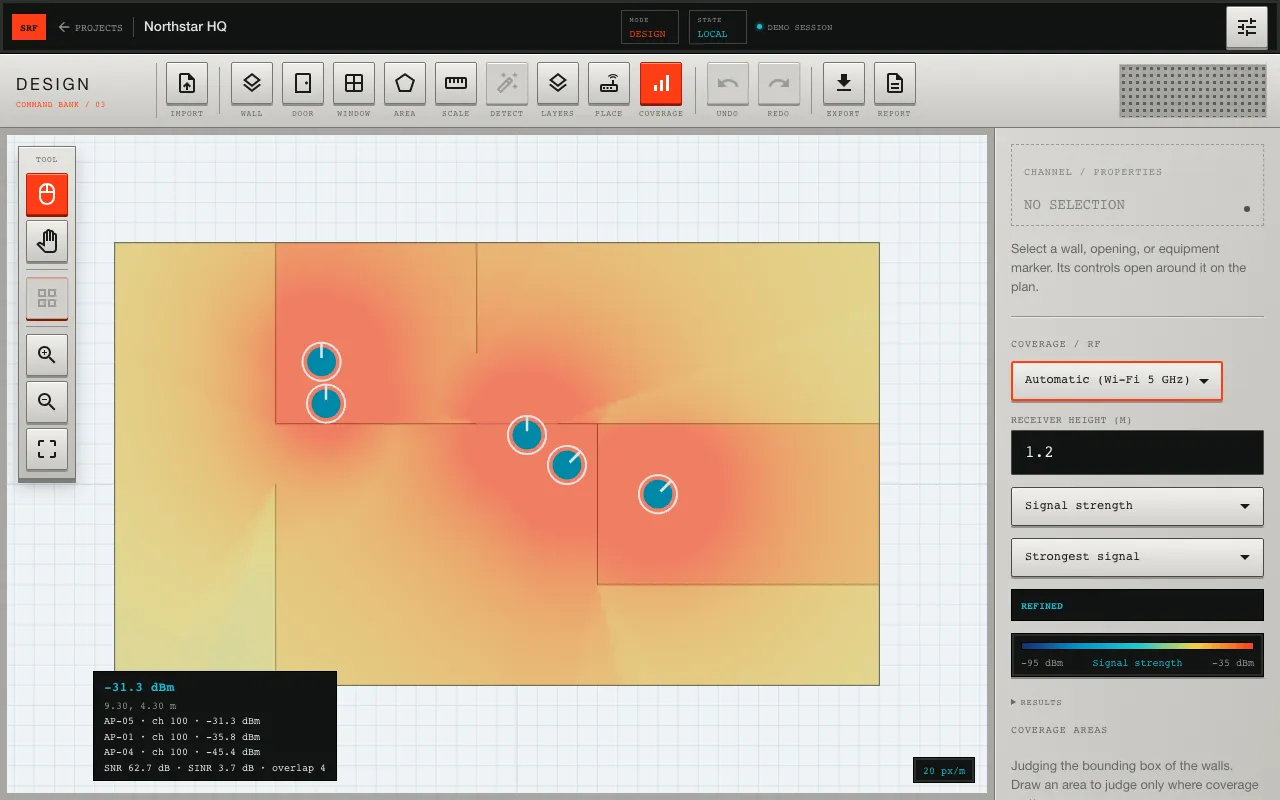
Each figure should state its band, metric, units, receiver height, and view. Confirm that the legend agrees with the map and that the selected coverage areas match the reported percentages. When several radios participate, decide whether the strongest-signal view, per-AP maps, or both are appropriate.
Edit recommendations
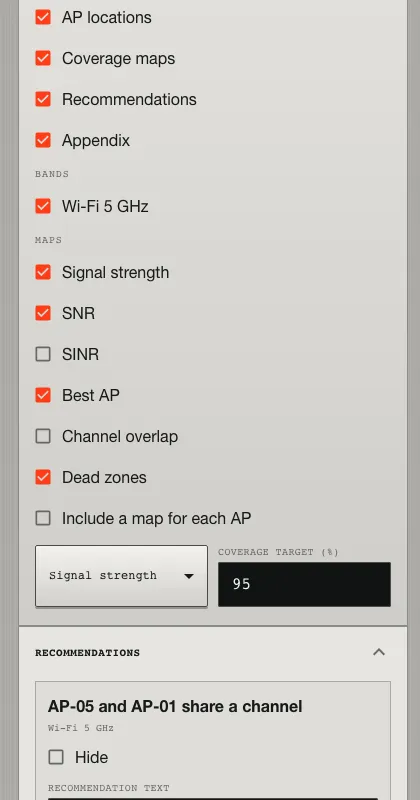
Generated recommendations are deterministic prompts based on the modeled result. Edit them to reflect mounting constraints, cabling, spectrum coordination, capacity, redundancy, regulatory requirements, and findings from any site survey. Remove advice that the evidence does not support.
Export and archive
Generate the PDF, inspect every page, and save the export with the project history. Check for clipped labels, missing maps, stale branding, and unexplained warnings. A later geometry or equipment revision can change the model, so create a new export after material design changes.
State the limitations
Document the propagation model, material assumptions, receiver parameters, coverage thresholds, and any extrapolation. Predictive output should be validated with field measurements. The report supports an engineering decision; it does not replace commissioning or regulatory review.
An AI agent connected to SiteRF can also assemble a customer report from a design it has built; see Plan a Wi‑Fi deployment with an AI agent.